Free tool · no sign-up
Test Assist
Capture the screen. Annotate what is wrong. Export a composited image and the annotation data as structured JSON — a defect report a developer can act on without a follow-up conversation.
It exists because attaching a raw screenshot to a defect is not evidence — it is a starting point for an argument. A good defect report makes the finding reproducible from the record alone, and the tooling for that is usually either heavyweight, cloud-bound, or not built for testers.
Nothing to install and nothing asked in return — no email, no sign-up.
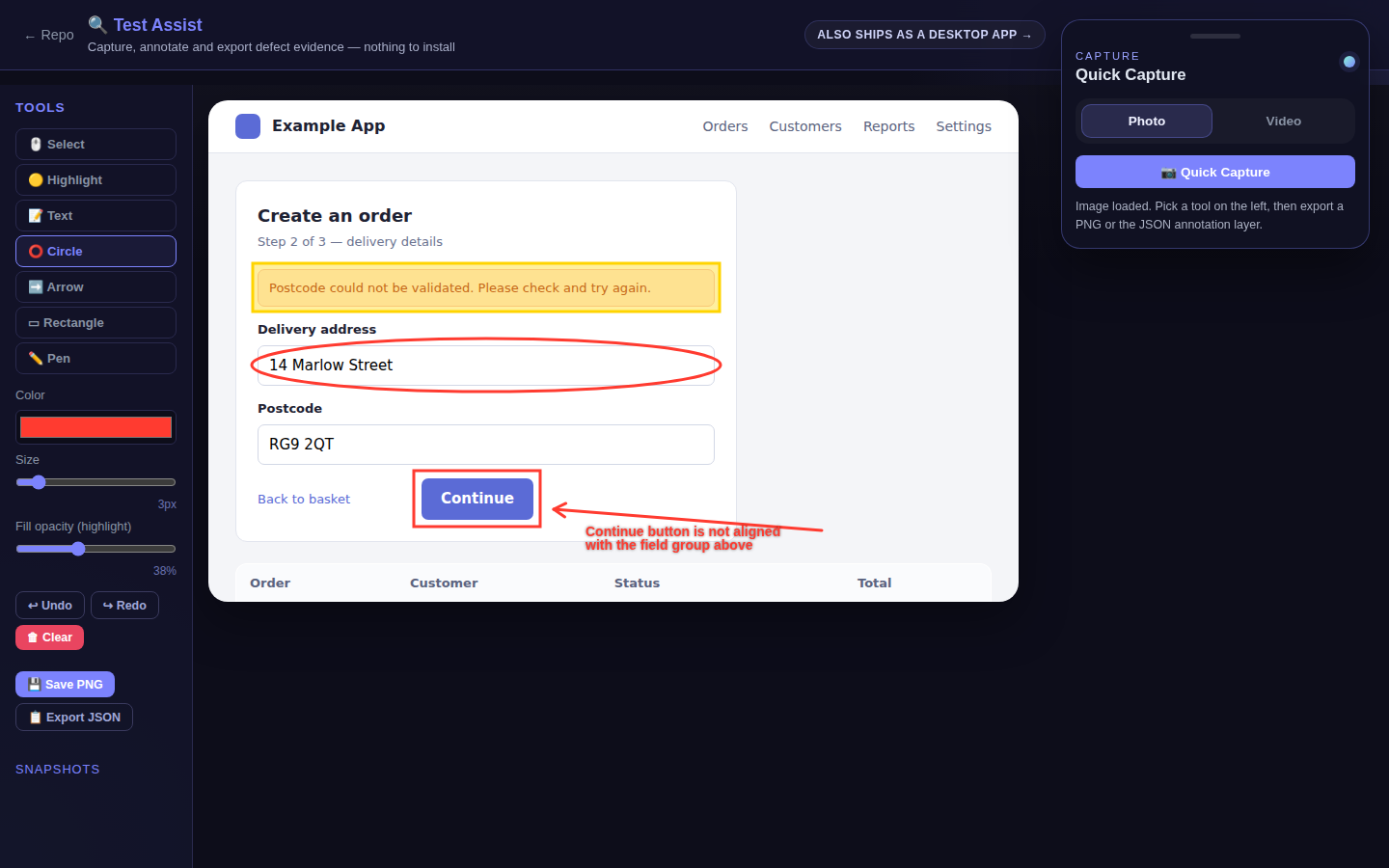
Built twice, from one specification
The PySide6 desktop application is the one designed to be lived in — a native overlay with a tray launcher that stays above whatever you are testing. The browser build was written from the same specification, so the tool can be used without an install, which is also what makes it demonstrable from a link. Both are real; the browser build runs the whole capture, annotate and export loop on its own.
- 335 pytest tests
- 669 assertions
- 49 browser tests
- 122 assertions
- 3 workflows green
Test Assist is how I package defect evidence on client engagements. It is free — use it on yours.